

How to Fix Mobile Display Issues on a WordPress Site
August 20, 2026
Learn how to fix WordPress mobile display issues with step‑by‑step theme tweaks, CSS fixes, plugins and testing to ensure a responsive WordPress site.
How to Fix a WordPress Site That’s Not Sending Emails
August 19, 2026
Learn how to fix a WordPress site that isn't sending emails with step‑by‑step SMTP setup, DNS checks, and troubleshooting tips.
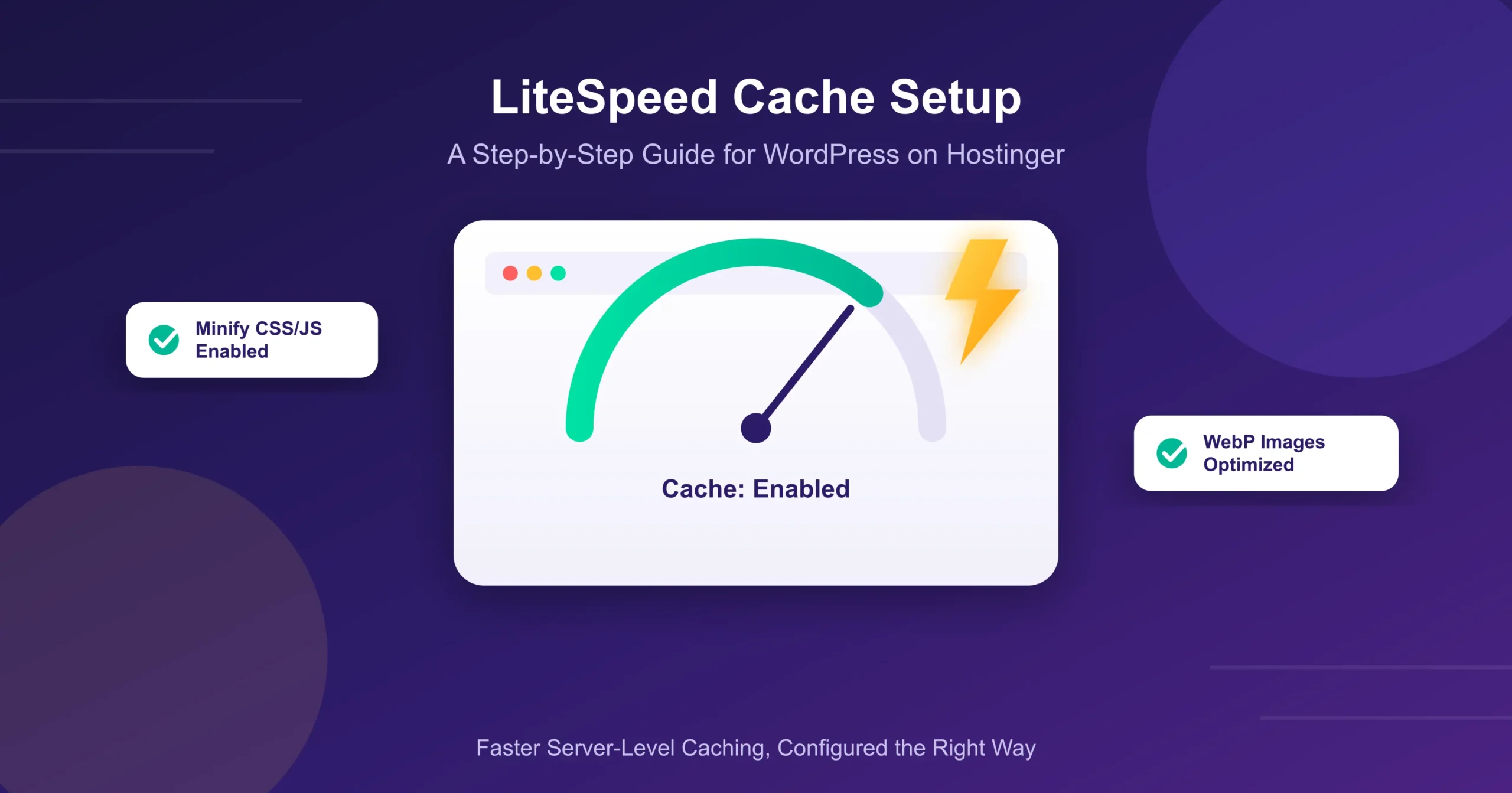
Hostinger LiteSpeed Cache Setup for WordPress: Step-by-Step Guide
August 17, 2026
If you’re hosting WordPress on Hostinger, you already have access to one of the fastest
How to Fix Missing Images After a WordPress Migration
August 17, 2026
Fix WordPress images not showing after migration by updating URLs, re-uploading files, and configuring settings.
How to Fix WordPress Login Page Redirect Loop
August 17, 2026
Fix the WordPress login page redirect loop by checking site URL settings, resolving plugin conflicts, and updating WordPress and plugins.

How to Fix a WordPress Site Stuck in Maintenance Mode
August 17, 2026
Fix WordPress stuck in maintenance mode by removing .maintenance file, checking plugins and themes, and using WP-CLI.
How to Fix Image Upload Errors in WordPress Media Library
August 17, 2026
Fix WordPress image upload errors by checking file size and type limits and ensuring sufficient WordPress memory.
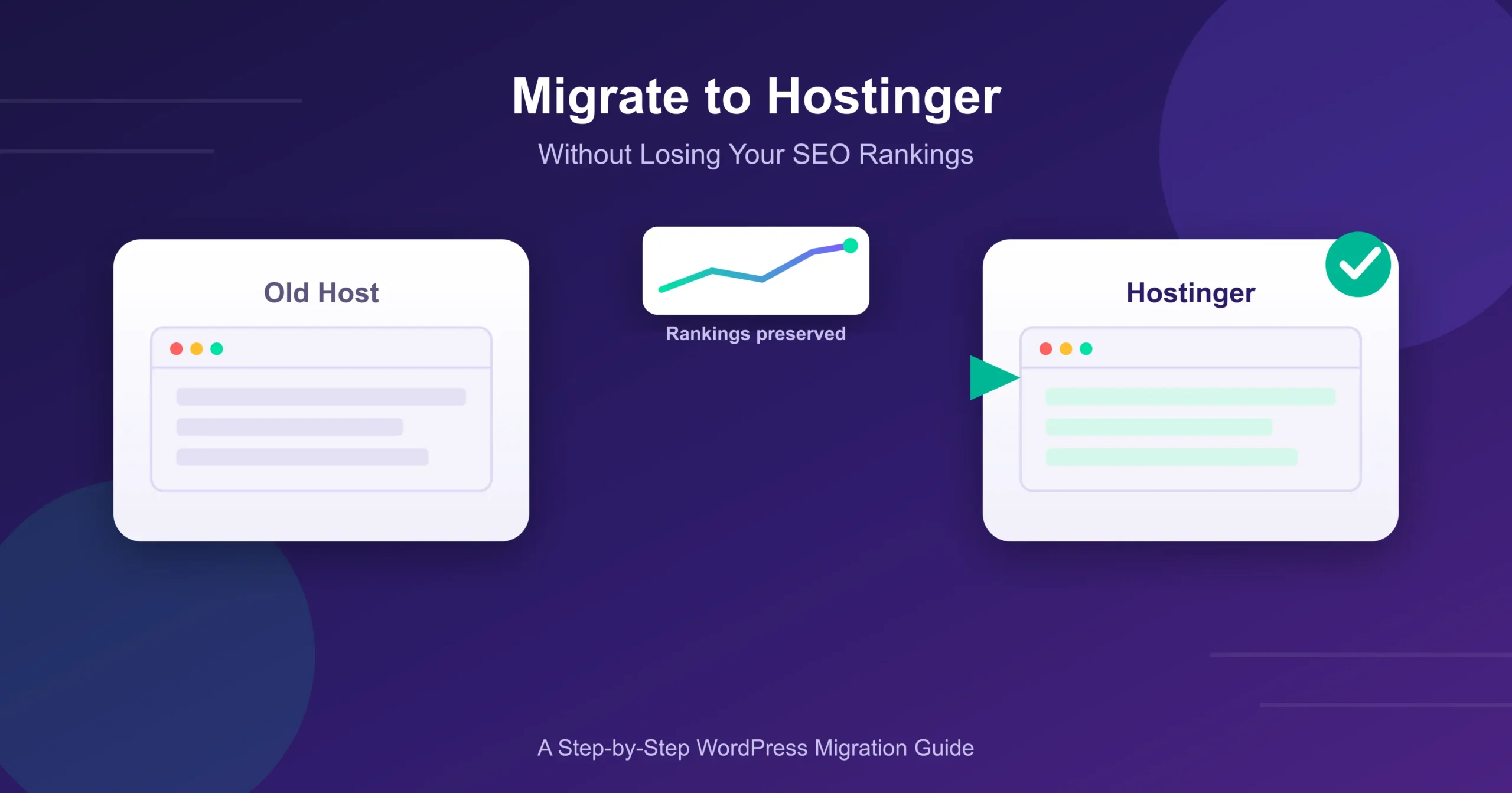
How to Migrate a WordPress Site to Hostinger Without Losing SEO Rankings
August 15, 2026
Migrating hosts is one of those tasks that sounds simple until you realize how much
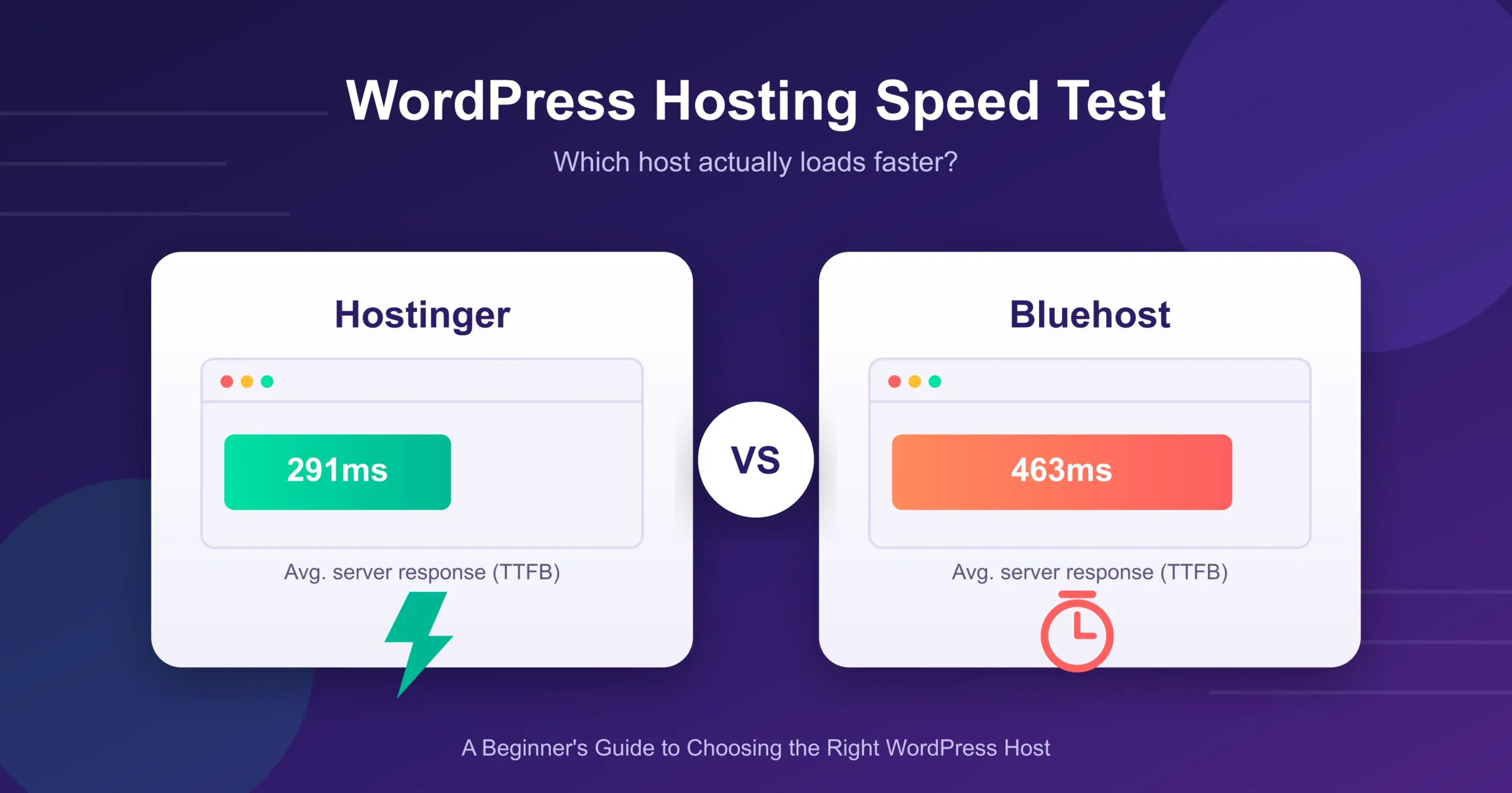
Hostinger vs Bluehost for WordPress Beginners: Which One Actually Loads Faster?
August 15, 2026
If you’re setting up your first WordPress site, you’ve probably narrowed it down to these
How to Fix WordPress Memory Exhausted Error (Allowed Memory Size)
August 15, 2026
Fix the WordPress memory exhausted error by increasing the PHP memory limit and optimizing your website for better performance.

How to Fix the ‘Are You Sure You Want to Do This’ Error in WordPress
August 14, 2026
Fix the 'Are You Sure You Want to Do This' error in WordPress by updating your site, clearing browser cache, and checking for corrupted files, resolving the wp_nonce error for a smoother site management experience.
Headless WordPress Explained: Is It Right for Your Business Website?
August 13, 2026
Headless WordPress is a suitable option for businesses looking to create fast, scalable, and secure websites, offering improved performance, flexibility, and security.
